 File manager for Android
Zip, unzip and manage your files.
7Z opens Zip, RAR, 7z and 30+ other formats, and can create password-protected archives too.
Features
What you can do with 7Z
Open the archives you download or receive, make your own, and manage the files inside them.
-
Open any archive
Zip, RAR, 7z and 30+ other formats
-
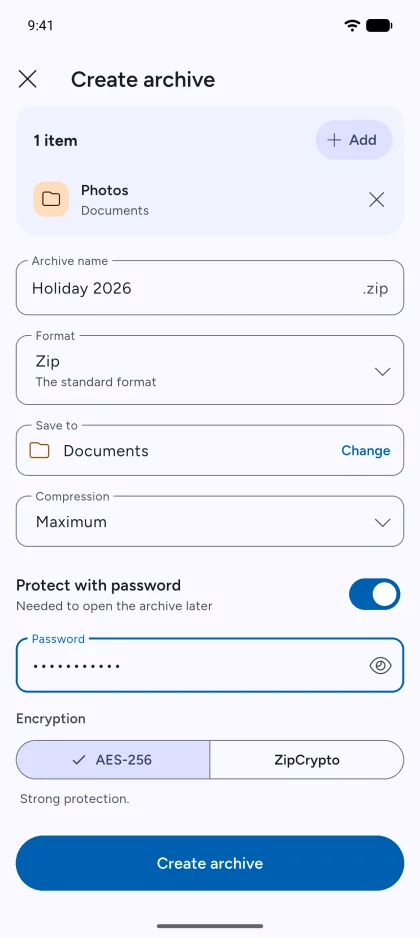
Create secure archives
Zip or 7z, locked with a password
-
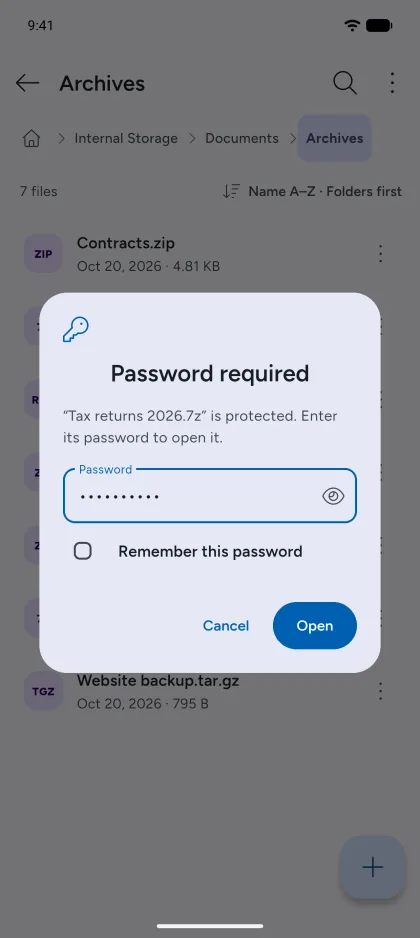
Open protected archives
Enter the password to open or extract them
-
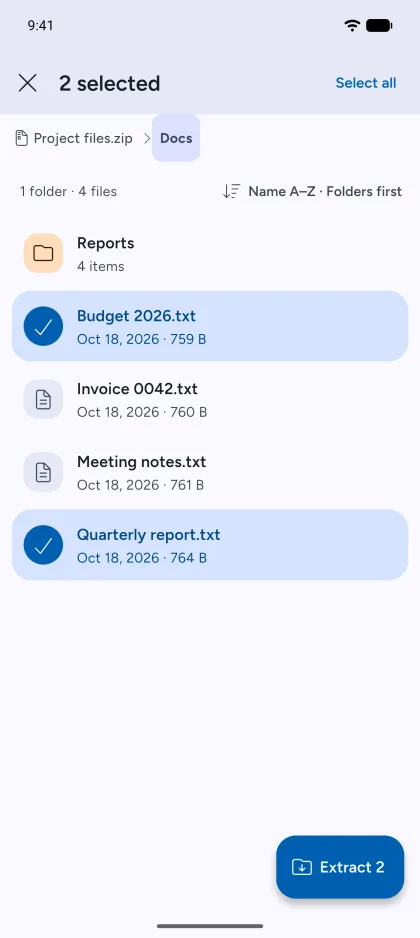
Browse inside archives
Open one file, or extract only the ones you need
-
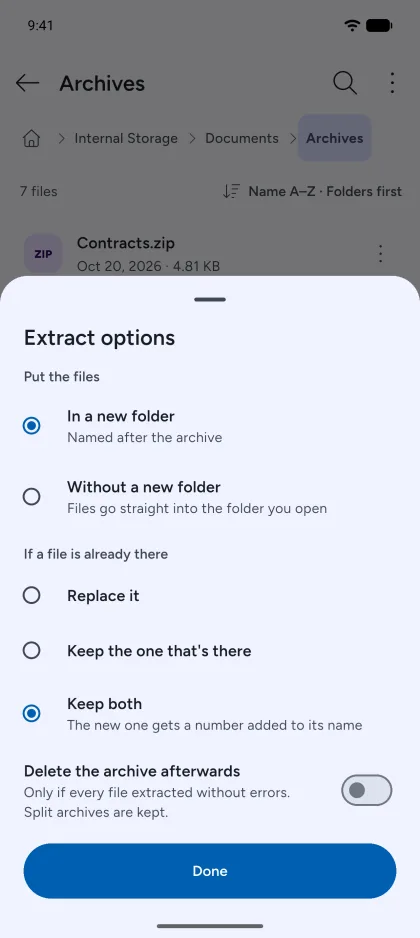
Choose where files go
And decide what happens when a file already exists
-
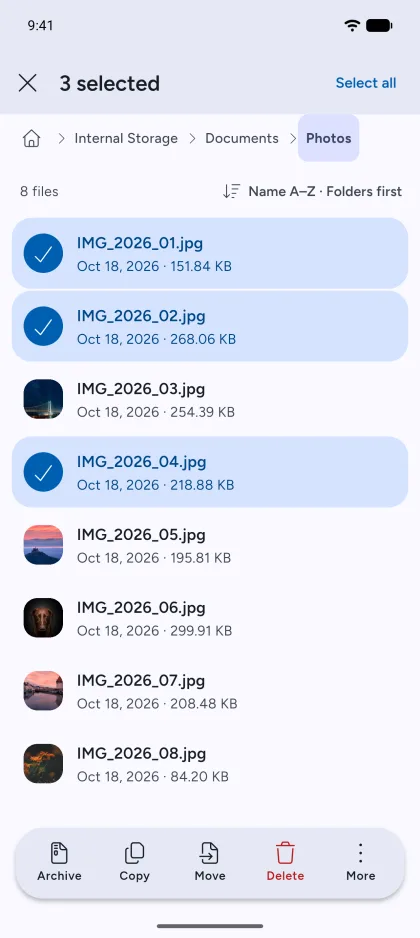
A full file manager
Copy, move, rename, share and archive your files
-
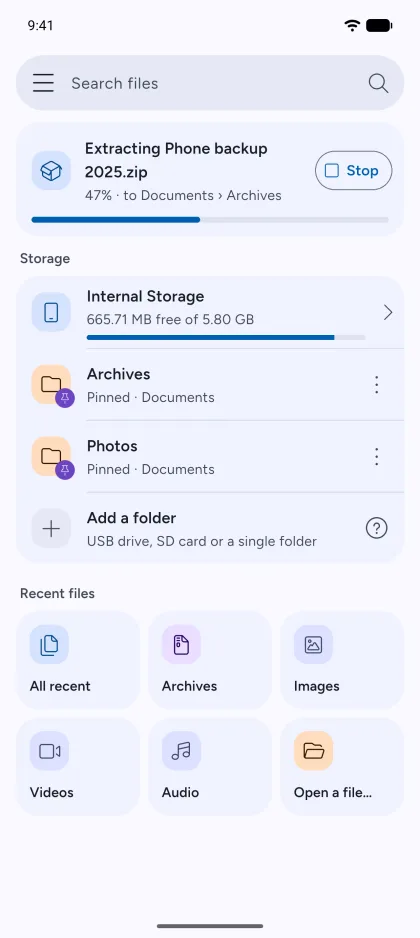
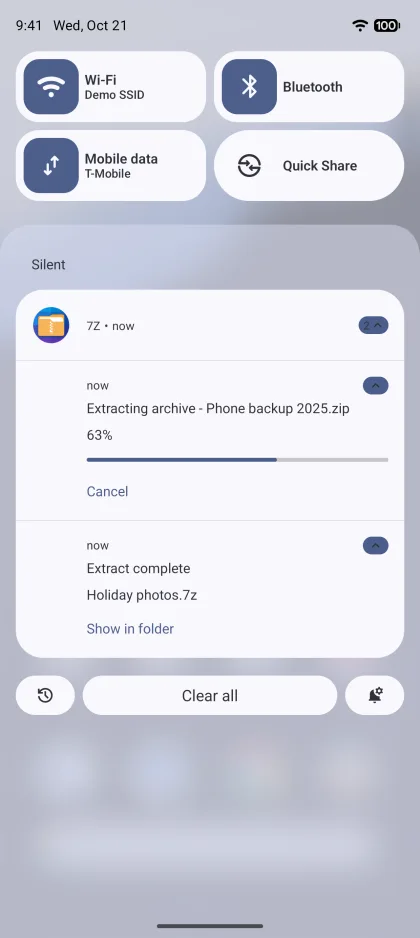
Works in the background
Keep using your phone while archives are created and extracted
-
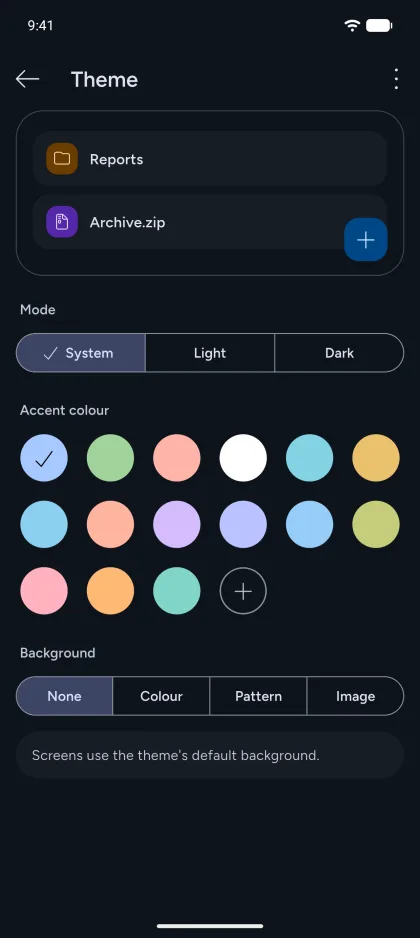
Themes and dark mode
Pick an accent colour and background
Also in 7Z
-
Search inside archives
Find a file by name without extracting the whole archive.
-
Test for errors
Check whether an archive is complete and undamaged.
-
Preview and share
Open or share a single file without extracting the rest.
-
AES-256 encryption
Protect Zip and 7z archives with a password and AES-256.
-
Pin your folders
Keep the folders you use most at the top of the home screen.
-
Convert archives
Turn an archive into a Zip, 7z or another format 7Z can create.
-
Batch rename
Rename many files at once.
-
Saved passwords
Keep archive passwords for next time, encrypted on your phone.
Supported formats
Zip, RAR, 7z and 30+ more.
Archives, compressed files and disk images.
Create
Zip and 7z archives can be protected with a password.
- Zip
- 7z
- TAR
- WIM
- JAR
- APK
Compress a single file
- GZip
- BZip2
- XZ
Open and extract
Everything 7Z creates, plus these.
Archives and compressed files
- RAR
- CAB
- MSI
- RPM
- XAR
- LZH
- ARJ
- CPIO
- AR
- Z
- LZMA
Disk images
- ISO
- UDF
- DMG
- VHD
- VMDK
- VDI
- QCOW
- SquashFS
- CramFS
- EXT
- FAT
- NTFS
- HFS
- GPT
- MBR
- APM
Your files stay on your phone.
Read the privacy policy-
Done on your device
Archives are opened, created and extracted on your phone. 7Z doesn’t upload your files.
-
No account
You don’t need to sign up or log in.
-
Privacy settings
Turn off usage statistics and personalised ads at any time in Settings › Privacy.
Need a hand?
Our support articles explain how to use 7Z. If they don’t answer your question, email us.
Get 7Z for Android
Free on Google Play.